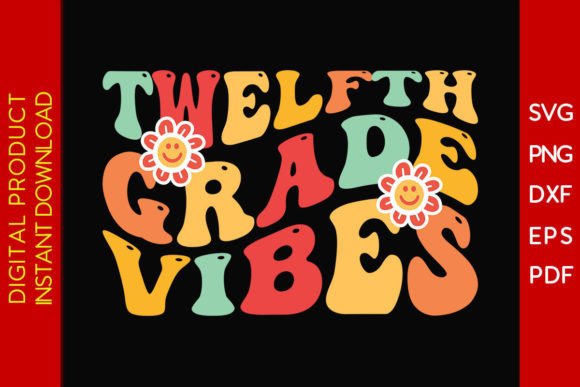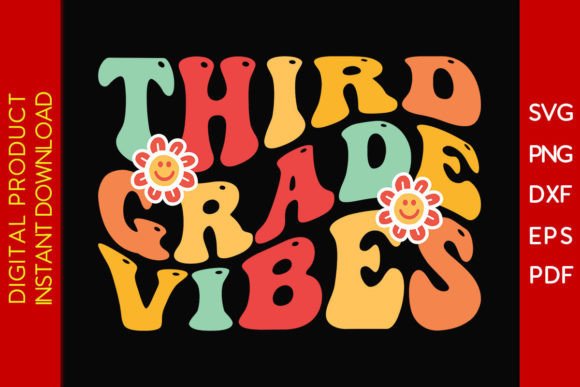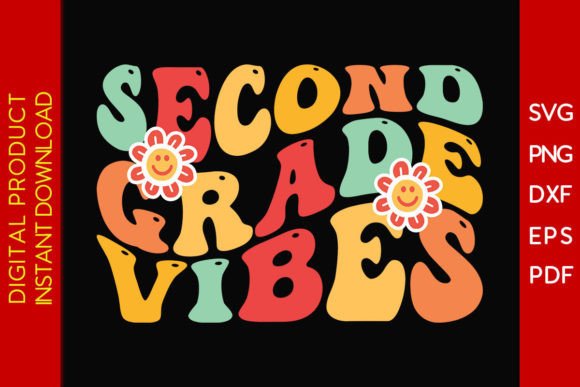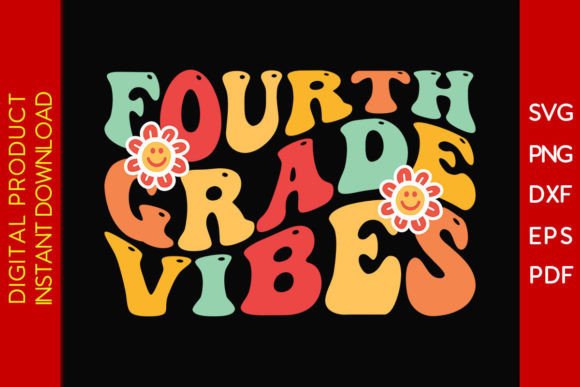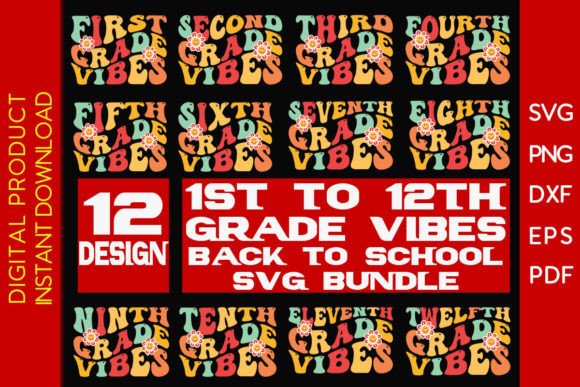
Grade Vibes Back to School SVG Bundle
If you're crafting custom back-to-school decals, designing classroom wall art, personalizing t-shirts for students or staff, or assembling themed greeting cards and scrapbook layouts, the Grade Vibes Back to School SVG Bundle is a practical, time-saving resource. It’s not just a collection of cheerful school-themed graphics—it’s a versatile toolkit built for real-world use across cutting machines, design software, and physical projects.
What You’re Actually Getting—and Why It Matters
The bundle includes one downloadable ZIP file containing the same designs in multiple formats: SVG, DXF, EPS, PNG, and PDF. That variety isn’t just for show—it directly affects how smoothly your project moves from screen to finished product. SVG files work natively in Cricut Design Space; DXF preserves layered paths for Silhouette Studio users; EPS supports vector editing in Adobe Illustrator; PNGs give crisp, ready-to-print raster options; and PDFs are ideal for quick reference or professional printing setups.
But here’s where many buyers stumble: assuming “more formats” means “plug-and-play in every scenario.” Not quite. A PNG looks great on a card—but won’t cut cleanly on a Cricut without proper vector conversion. An EPS file may open in Illustrator but require ungrouping or expanding strokes before scaling without distortion. Knowing which format matches your tool and purpose saves hours—not just clicks.
A Common Oversight: Skipping the Unzip Step
After payment, you’ll receive a download link—and that’s it. No automatic extraction. The files live inside a ZIP archive, and skipping the unpack step is more common than you’d think. Beginners sometimes try to upload the ZIP directly into Cricut Design Space or Silhouette Studio, only to get an error message or blank canvas. That’s not a software bug. It’s simply trying to open a container instead of its contents.
Better approach: Always extract the ZIP first—on Windows, right-click > “Extract All”; on Mac, double-click the archive. Then choose the correct file type based on your workflow: SVG for Cricut, DXF for Silhouette, PNG for print-and-cut or digital overlays.
Compatibility Isn’t Just About Software Names
You’ll see compatibility listed for tools like Cricut Explore, Silhouette Cameo, Brother ScanNCut, CNC Plasma, and Adobe Illustrator. That list tells you *which platforms can open the files*—not whether they’ll behave predictably out of the box. For example, some older versions of Silhouette Studio (especially free editions) don’t support SVG import. And while CNC Plasma software reads DXF well, it may ignore color layers or text effects unless those elements are converted to outlines first.
Before starting your project, verify two things: your software version supports the chosen format, and your machine’s firmware is up to date. A 2021 Cricut Explore Air 2 running outdated firmware might misread nested groups in an SVG—even if the file itself is perfectly structured.
Scaling Without Distortion: A Quiet Pitfall
These designs are created at standard sizes optimized for common uses—like 4" tall lettering for mugs or 12" wide banners for bulletin boards. But when users scale aggressively (e.g., blowing up a 3" icon to 24"), subtle issues surface: thin lines vanish, spacing between letters collapses, or shadow effects pixelate in PNGs. Vector formats (SVG, DXF, EPS) handle scaling better—but only if strokes are outlined and text is converted first.
Here’s what works: Open the SVG in Illustrator or Inkscape, select all text, then use “Type > Create Outlines.” Ungroup layers once, then resize. Save a new version with a clear name (e.g., “grade-vibes-banner-24in-outlined.svg”) so you never accidentally revert to the original.
Realistic Use Cases—And What to Check First
- For decals and stickers: Use SVG or DXF, ensure clean cut lines (no hidden layers or stray anchor points), and test a small version on your preferred vinyl before committing to a full sheet.
- For wall decor: Print the high-res PNG or PDF at actual size—or scale the SVG precisely in your printer settings. Avoid “fit to page” unless you’ve measured your wall space and calculated exact dimensions.
- For clothing heat transfer: Confirm your iron-on material requires mirrored designs—and flip the SVG horizontally *before* sending to your cutter. Many forget this until their shirt reads backward.
- For cards or scrapbooking: PNGs with transparent backgrounds give the cleanest layering in Canva or Photoshop. Just make sure resolution is 300 DPI—not 72—for sharp printed results.
Why Format Choice Changes Your Workflow—Not Just Output
Say you want to add a “Class of 2025” badge to a tote bag using a Cricut. Using the PNG means tracing it manually in Design Space—which risks jagged edges or inconsistent sizing. Using the SVG lets you retain clean curves, adjust fill colors instantly, and resize without re-tracing. That difference adds up: five minutes saved per design, multiplied across dozens of student gifts or classroom supplies.
Similarly, educators prepping bulletin boards often grab PNGs for speed—but later realize they can’t recolor individual elements (like changing “Math” to “Science” without editing the whole image). With SVG or EPS, each word or icon remains editable as a separate object. That flexibility matters when personalization is part of the goal—not just decoration.
Final Check Before You Download or Design
Before clicking purchase—or opening that ZIP file—ask yourself three questions:
- Which software and machine am I using right now? (Not “what I plan to buy next month.”)
- Do I need editable text and layered objects—or just a clean, static image to print or cut?
- Will this be used physically (vinyl, fabric, paper) or digitally (social posts, newsletters, presentations)?
Your answers guide the best format choice—and help avoid mid-project detours. The Grade Vibes Back to School SVG Bundle gives you options, but only if you know how to match them to your real tools and goals.
It’s designed for people who value clarity over clutter—creators who’d rather spend time making than troubleshooting. When you align format, software, and intention from the start, even beginner-level projects gain polish, consistency, and room to grow.