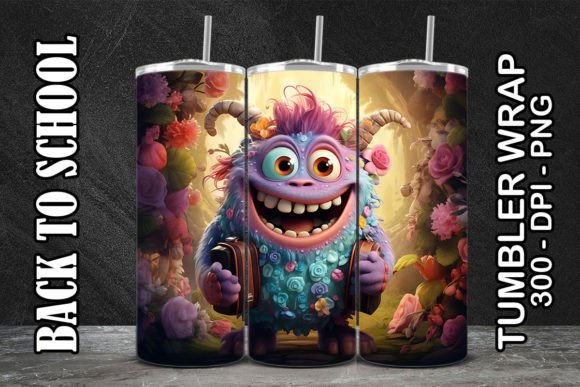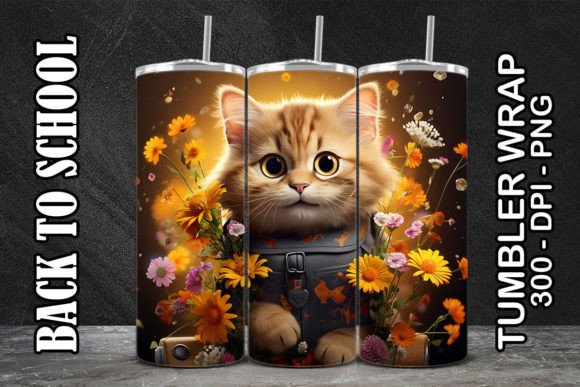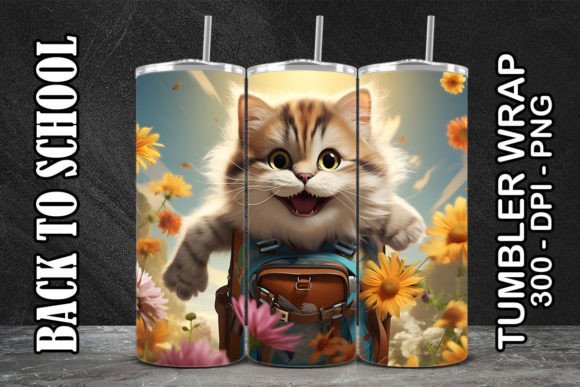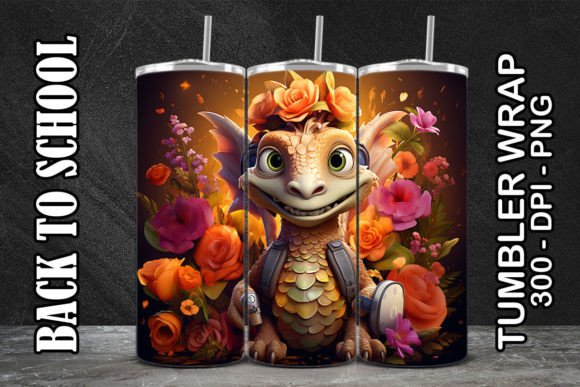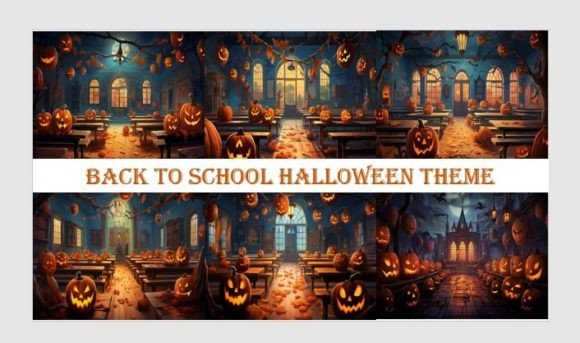
Back to School Halloween Theme
Imagine the crisp energy of September—new notebooks, sharpened pencils, and the buzz of classrooms coming alive—blending seamlessly with the playful spookiness of October: cobwebs on chalkboards, jack-o’-lanterns peeking from library shelves, and witches’ hats perched beside backpacks. That’s the magic of the Back to School Halloween Theme: a timely, culturally resonant fusion that meets real-world needs without forcing a mismatch. It’s not just seasonal decoration—it’s smart visual storytelling for educators launching fall units, small businesses refreshing their social feeds before Halloween, or designers crafting themed digital products that stand out in crowded marketplaces.
This theme works because it bridges two powerful moments in the annual rhythm: the structured optimism of academic beginnings and the imaginative freedom of Halloween. Unlike generic holiday art, it invites specificity—think “science lab ghost experiments,” “math monster word problems,” or “spooky storytime corner signs.” It’s grounded, adaptable, and deeply useful for anyone building audience connection through intentional visuals.
What’s Included: 7 High-Resolution PNG Files
You’ll receive 7 original, ready-to-use PNG files, each sized at 5824 × 3264 pixels, RGB color mode, and 300 dpi. That means crisp, professional-grade resolution—ideal for large-format wall decor, high-quality prints, layered digital illustrations, or scalable web assets. Every file is transparent-background PNG, so you can drop them into Canva, Photoshop, Illustrator, or even PowerPoint without clipping or white borders.
These aren’t clipart knockoffs. Each illustration carries thoughtful design choices: balanced negative space, intentional line weight, cohesive color palettes (deep purples, warm oranges, muted teals), and subtle texture that adds depth without compromising versatility. Whether you’re designing a classroom welcome banner or a boutique’s limited-edition product label, these images hold up under close inspection and across formats.
Creative Applications Across Audiences
Educators and school staff can use these files to build consistent, engaging learning environments. Print one as a 24×36” poster for your hallway bulletin board titled “October Reading Challenge: Scream & Read!” Layer another over a photo of your classroom library to create a custom back-to-school newsletter header. Because the files are high-res and transparent, you can resize confidently—even for vinyl decals on locker doors or laminated center activity cards.
Small business owners and makers will find immediate value in branding flexibility. A candle shop could overlay one of the illustrations onto a product mockup for an “Pumpkin Spice & Pencils” limited-run scent. A tutoring service might animate a single element (like a floating ghost holding a pencil) for Instagram Stories during their fall enrollment push. Since no physical item ships—and delivery is instant—you can test concepts, iterate, and launch campaigns within hours, not weeks.
Designers, freelancers, and content creators gain reusable building blocks. Use one as a base layer in a Procreate sketch, then add hand-lettered quotes about curiosity or growth. Combine two files in Adobe Express to generate social media carousels (“5 Ways to Make Learning Spookily Fun”). Or import them into Figma to prototype a themed Notion dashboard for student planners. The resolution supports both pixel-perfect UI work and print-ready layouts.
Practical Tips for Stronger Results
- Keep contrast legible: When adding text over any image, use a subtle drop shadow or semi-opaque background bar—especially important with busy patterns or dark-themed illustrations.
- Maintain style consistency: If mixing these with other graphics, match line thickness and saturation levels. These files lean slightly vintage-modern—avoid pairing them with ultra-flat, minimalist icons unless you intentionally contrast them.
- Respect usage context: For public-facing materials (school newsletters, storefront signage), avoid overly cartoonish interpretations if your audience prefers sophistication. These files strike a middle ground—but test one variation with a small group first.
- Organize smartly: Rename files descriptively (e.g., “back-to-school-halloween-owl-teacher-png”) and store them in a dedicated folder with your brand fonts and color hex codes. Saves time when revisiting projects next year.
Variations You Can Build—No Extra Assets Needed
You don’t need more files to expand this theme. Try these low-effort, high-impact adaptations:
- Color-shift one image using Hue/Saturation in Photoshop or Canva’s “Adjust Image” tool—swap orange for navy to suit a STEM-focused classroom, or soften purples for a gentle preschool vibe.
- Isolate elements—use the magic wand or pen tool to extract just the pumpkin, book stack, or black cat, then recombine them into new scenes (e.g., a cauldron full of erasers).
- Add motion in CapCut or After Effects: gently animate floating leaves or blinking eyes. Even subtle movement increases engagement on digital displays.
- Print selectively: Use only the line-art version (if included) for coloring sheets, or invert colors for a bold stencil effect on fabric banners.
This isn’t about chasing trends—it’s about having reliable, well-made tools that respond to real needs. The Back to School Halloween Theme meets a narrow but meaningful window: the three-week stretch where students settle in and anticipation for Halloween builds. With these 7 PNGs, you’re not buying decoration—you’re investing in clarity, speed, and creative confidence.
Download is instant. No waiting. No shipping delays. Just open your folder, drag into your project, and start building something that feels both purposeful and joyful.